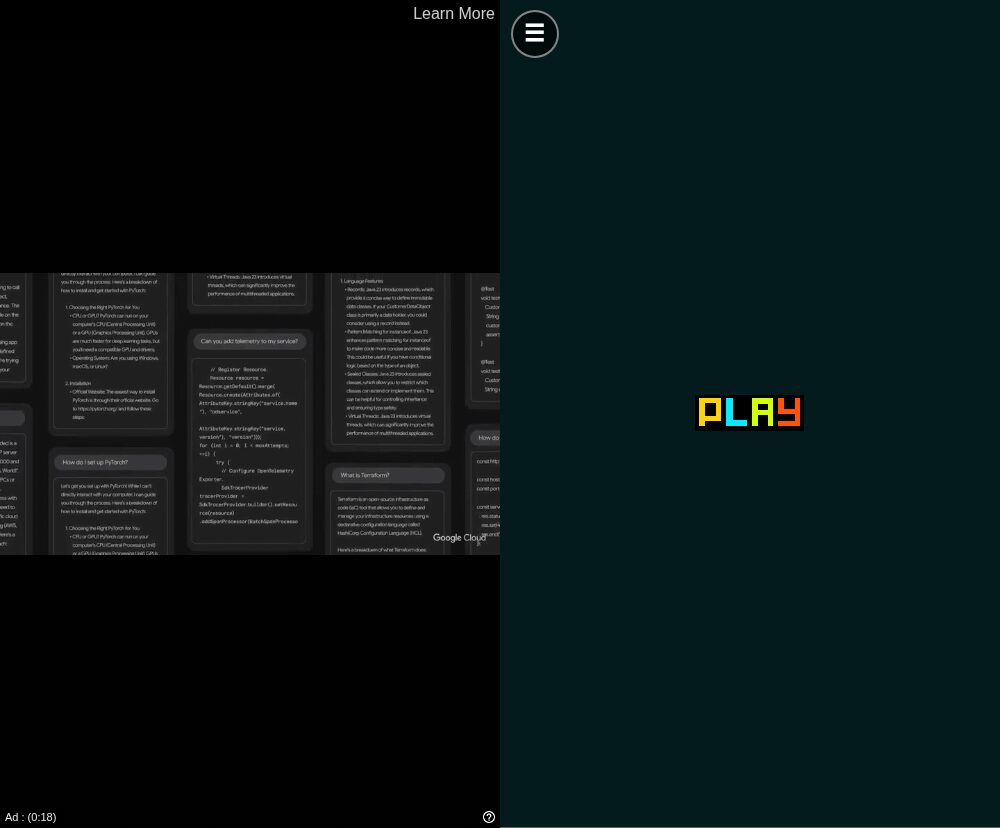
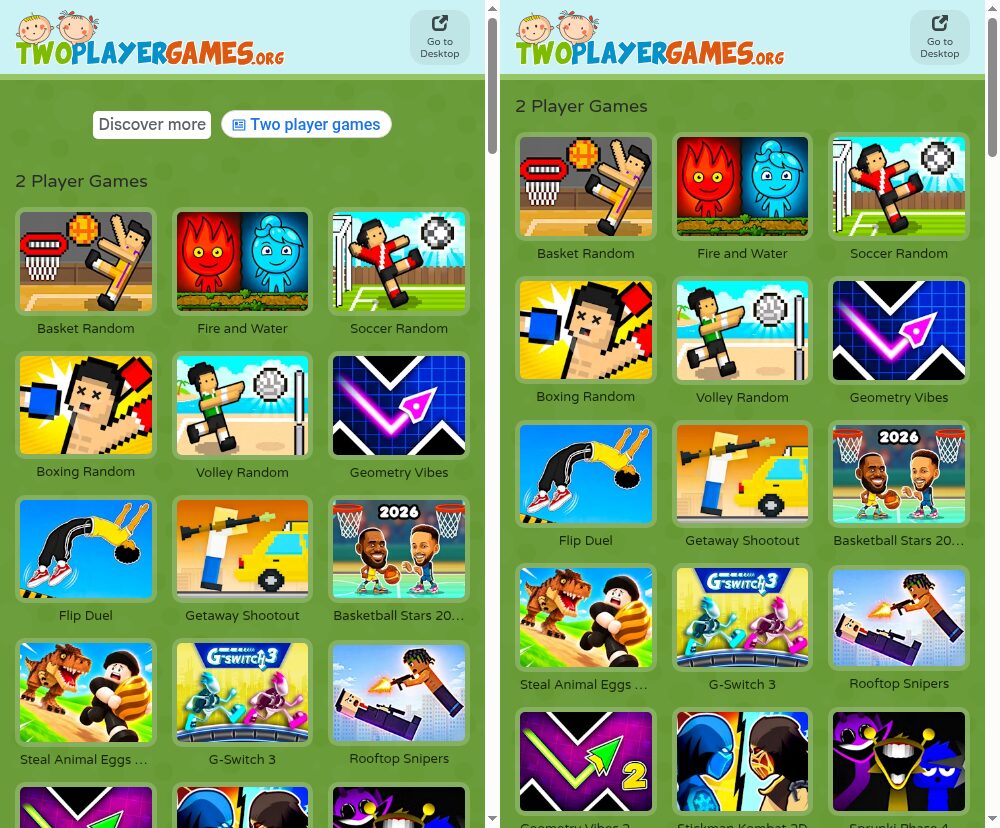
TwoPlayerGames has plenty of good two-player games, but it shows ads in three places: a banner above the game list, a video ad after you tap Play (the one in my test ran for more than 30 seconds), and ad breaks inside many of the games. TwoPlayerGames Ad Remover is a small Chrome extension that removes all three. It only runs on twoplayergames.org and adds nothing to other sites.
Download TwoPlayerGames Ad Remover 1.0.0 (.zip, 9 KB)
SHA-256: fe797edb53efc07d374668e4dedeaffd4059c593dff876376eb3c0b2ae428e3c
Installation
The extension isn't on the Chrome Web Store, so you load it as an unpacked extension:
- Download the zip above and unzip it. You'll get a folder named
twoplayergames-ad-remover. - Open
chrome://extensionsin Chrome. - Turn on Developer mode in the top-right corner.
- Click Load unpacked and select the
twoplayergames-ad-removerfolder (the one that containsmanifest.json). - Open m.twoplayergames.org or reload it if it's already open.
It works in Chrome 111 and newer and in other Chromium-based browsers such as Edge and Brave. Chrome for Android doesn't support extensions, so on a phone you need a browser that can load Chrome extensions. Don't delete the folder after installing: Chrome loads the extension from it every time it starts.
What it removes
| Where | What the site does | What the extension does |
|---|---|---|
| Home page and category pages | AdSense banners and an ad unit that suggests searches | Blocks the requests and hides the empty slots so the game list moves up |
| Before each game | A Google IMA video ad after you tap Play | Blocks the video ad SDK. The site then goes straight to the game |
| Inside games | Ad breaks through Google's H5 Games Ads API (adBreak()) | Blocks the ad script and replies to the game that no ad is available |
How it works
The extension has four files plus icons and requests one permission, declarativeNetRequest. Its scripts run only on m.twoplayergames.org and files.twoplayergames.org, which is why Chrome says it can read and change data on those two sites. It sends no data anywhere.
rules.json: blocking the ad servers. One declarative network rule blocks requests to Google's ad domains (googlesyndication.com, doubleclick.net, imasdk.googleapis.com and a few others). The rule has the condition initiatorDomains: ["twoplayergames.org"], so it only applies to requests made by pages and game frames on twoplayergames.org and its subdomains. Ads on other sites are not affected. Chrome applies the rule itself, so the extension has no background script.
hide.css: collapsing the empty slots. With the ad script blocked, the banner container would still take up space at the top of the page. The stylesheet hides .main-ads, ins.adsbygoogle and the video ad overlay #ima-container.
The video ad before the game needs no special handling. I read the site's own script before writing anything. When it can't find Google IMA (google.ima), it logs "No Google IMA, maybe an ad-blocker? 🤔", hides the ad container and enables the Play button. Tapping Play then fails to start an ad and goes straight to the game. So blocking ima3.js is enough.
ad-shim.js: keeping games from waiting for ads. Games hosted on files.twoplayergames.org use Google's H5 Games Ads API. They call adConfig() and adBreak(), and some wait for the callbacks onReady or adBreakDone before they start or resume. If the ad script is simply blocked, those callbacks never run. The shim runs in the page's own JavaScript context ("world": "MAIN") before any page script and provides a replacement window.adsbygoogle object:
adConfig({ onReady })callsonReadyright away.adBreak({ type, adBreakDone })never callsbeforeAd. It only callsadBreakDonewith the statusnoAdPreloaded, the same status the real SDK reports when it has no ad ready.- Rewarded ads (
type: "reward") reportnotReady. You don't get the reward, but the game keeps running.
The pages write adsbygoogle = window.adsbygoogle || [], and some might assign a new array directly. To handle that, window.adsbygoogle is defined with a getter and setter: assigning an array doesn't replace the shim, and any requests already in the array are handled.
Testing
I loaded the extension into headless Chromium and visited the home page, Basket Random and Flip Duel with a phone user agent, once with the extension and once without:
- Without the extension: the home page loaded scripts from
pagead2.googlesyndication.com,googleads.g.doubleclick.netand others, and showed a 60-pixel ad unit. In Basket Random, 15 seconds after tapping Play, the screen still showed a video ad with 18 seconds left. - With the extension: every request to an ad domain failed with
net::ERR_BLOCKED_BY_CLIENT. On the game pages, the site's own log showed "No Google IMA" → "Show the content 👾", and the game's start screen appeared right away. Flip Duel, a Unity game, logged "AdConfig Ready" from the shim and loaded normally.
Limitations
- Some games (for example Fire and Water and Basketball Stars) are embedded from GameDistribution (
html5.gamedistribution.com). The extension still skips the site's video ad on those pages, but the GameDistribution frame has its own ad system, and the extension leaves it alone. GameDistribution's games run on many other sites too, and blocking their ads could leave some of those games stuck. - The extension is tied to the site's current markup and ad setup. If TwoPlayerGames changes how it shows ads, the selectors in
hide.cssor the domain list inrules.jsonmay need updating. - The stylesheet and the shim only run on
m.twoplayergames.organd the game frames onfiles.twoplayergames.org. I haven't tested the desktop site,www.twoplayergames.org.
Loading comments…